Your socials.
One scan away.
Show your Instagram QR. They scan it.
Your profile opens. That’s the introduction.
QR Socials is an Android app in closed testing. Email your Google Play account address to be added to the test.
Already added? Open Google Play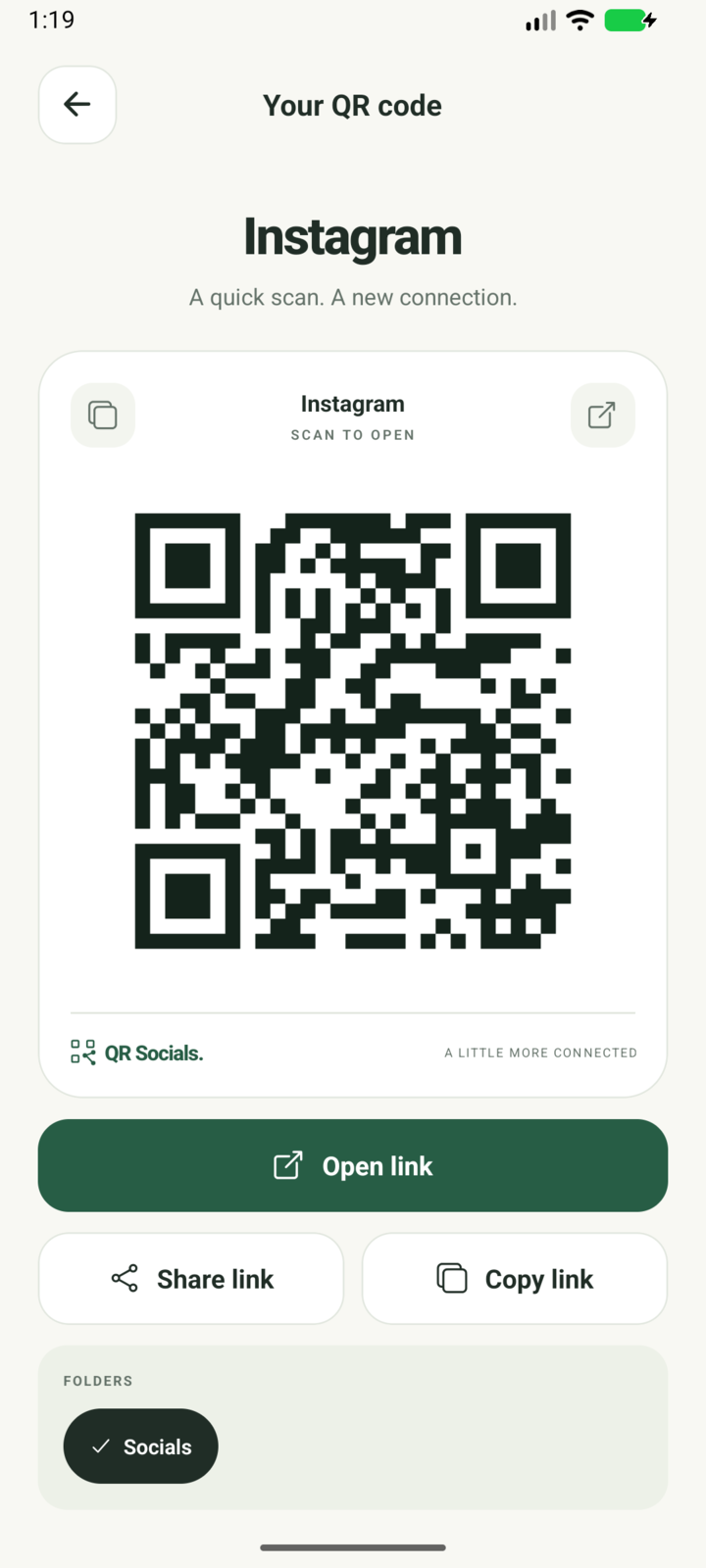
Skip the
“how do you spell it?”
From your phone to their next follow.
Three small steps. One easy introduction.
-
1 Save your social
Choose Instagram and enter your username. Your code is ready whenever you are.
-
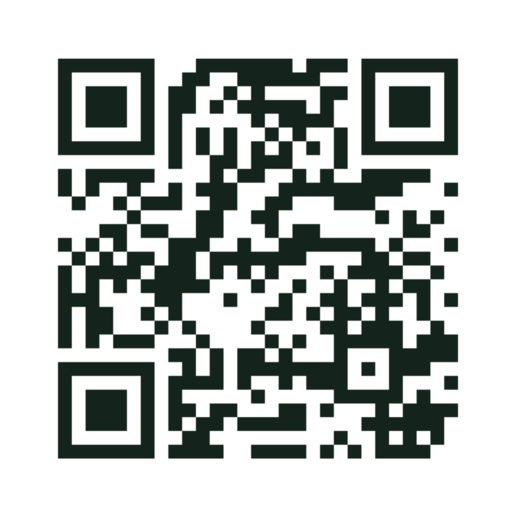
2 Show its QR
Open your saved code and hold up your phone. No searching for your profile.
-
instagram.com Your profile.
3 They scan. You connect.
Their camera reads the QR and opens your profile. They don’t need QR Socials.
Make it yours
Add a custom logo from your gallery or camera, right in the middle of your code.
Saved for next time
Your codes stay in your library. Search, drag to reorder, and show them even when you’re offline.
A few links to share together?
Put them in a folder and share one QR. It opens a simple page of links, with nothing for the recipient to install.
Free. No account.
No ads. Just your codes.
Your library stays on your phone. No analytics or cloud sync. No QR Socials account to create.
For web links, the app requests a site icon from Google’s favicon service, sending the hostname. It also fetches the full address from the website to suggest a page title. Those services receive your IP address with the request.
Read the privacy policyNext time they ask,
show your code.
Join the Android closed test. Email the address you use on Google Play so you can be added.